
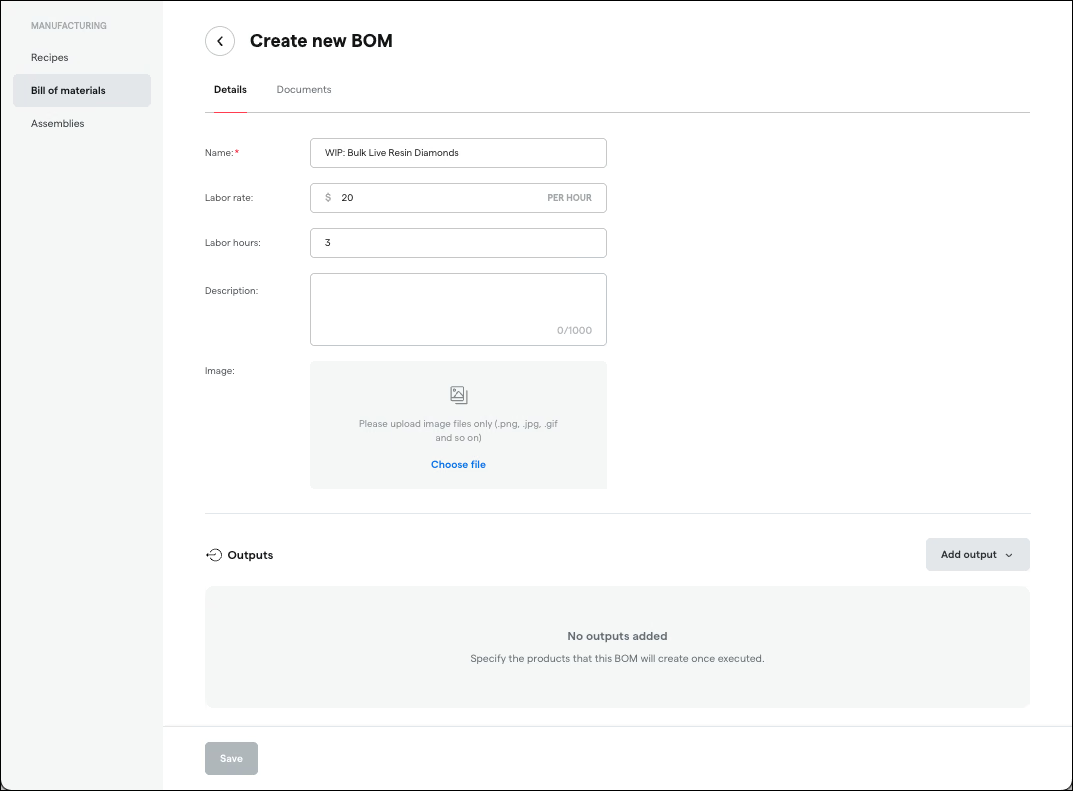
BOM Import & Export (Manufacturing)
Save hours managing manufacturing formulas. Import Bills of Materials from CSV or Excel and export them back out, eliminating manual BOM creation and making it easy to back up, share, or migrate your data.
Book a demo
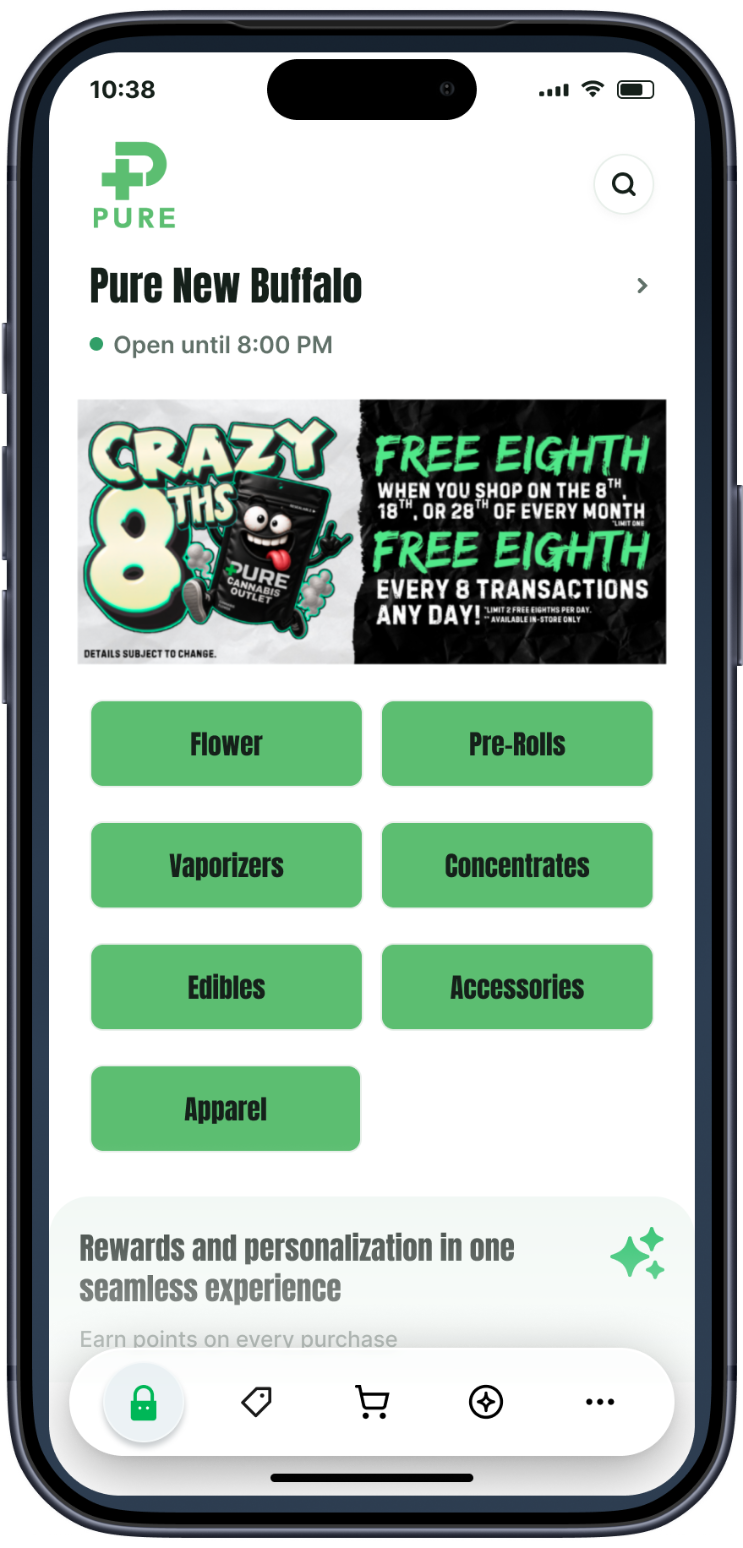
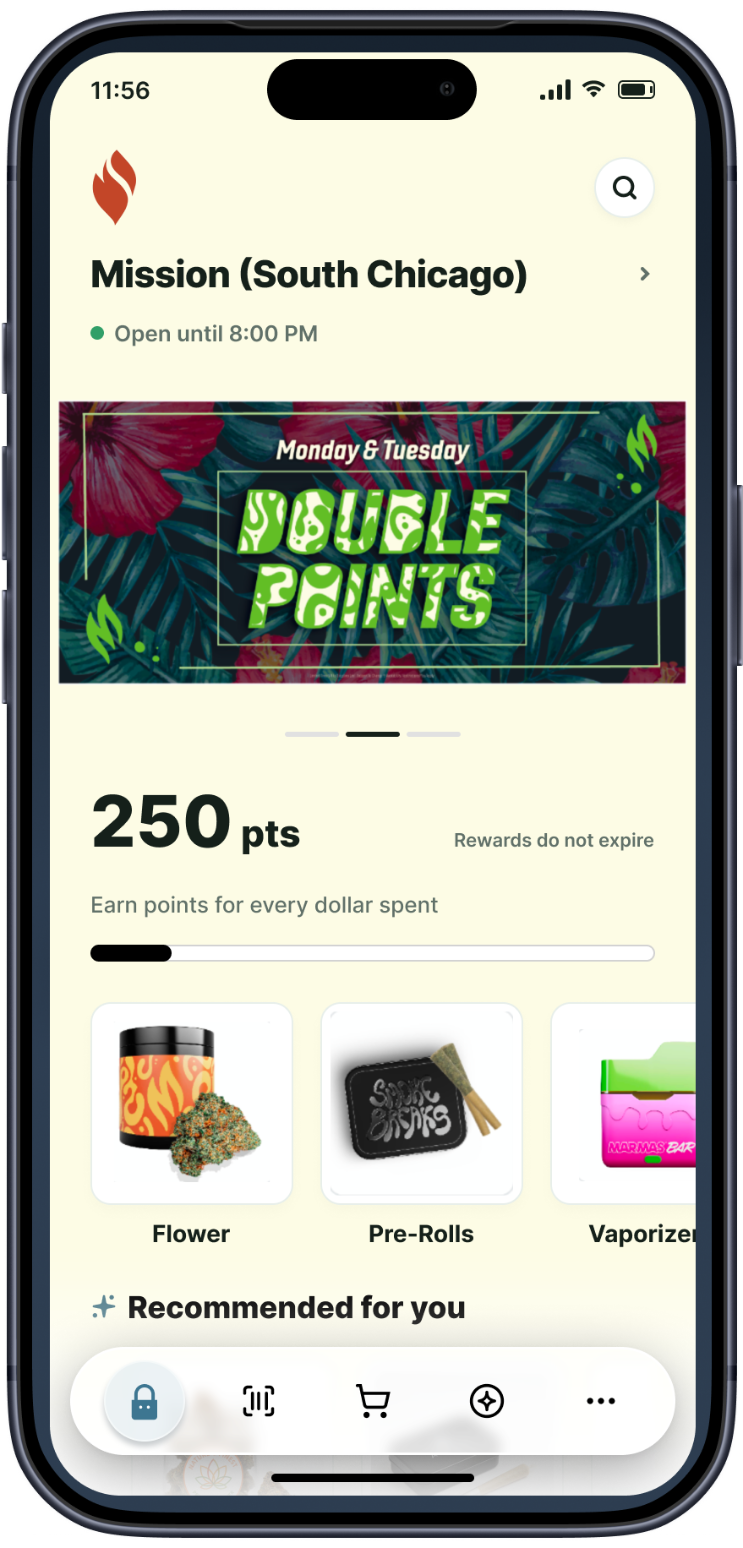
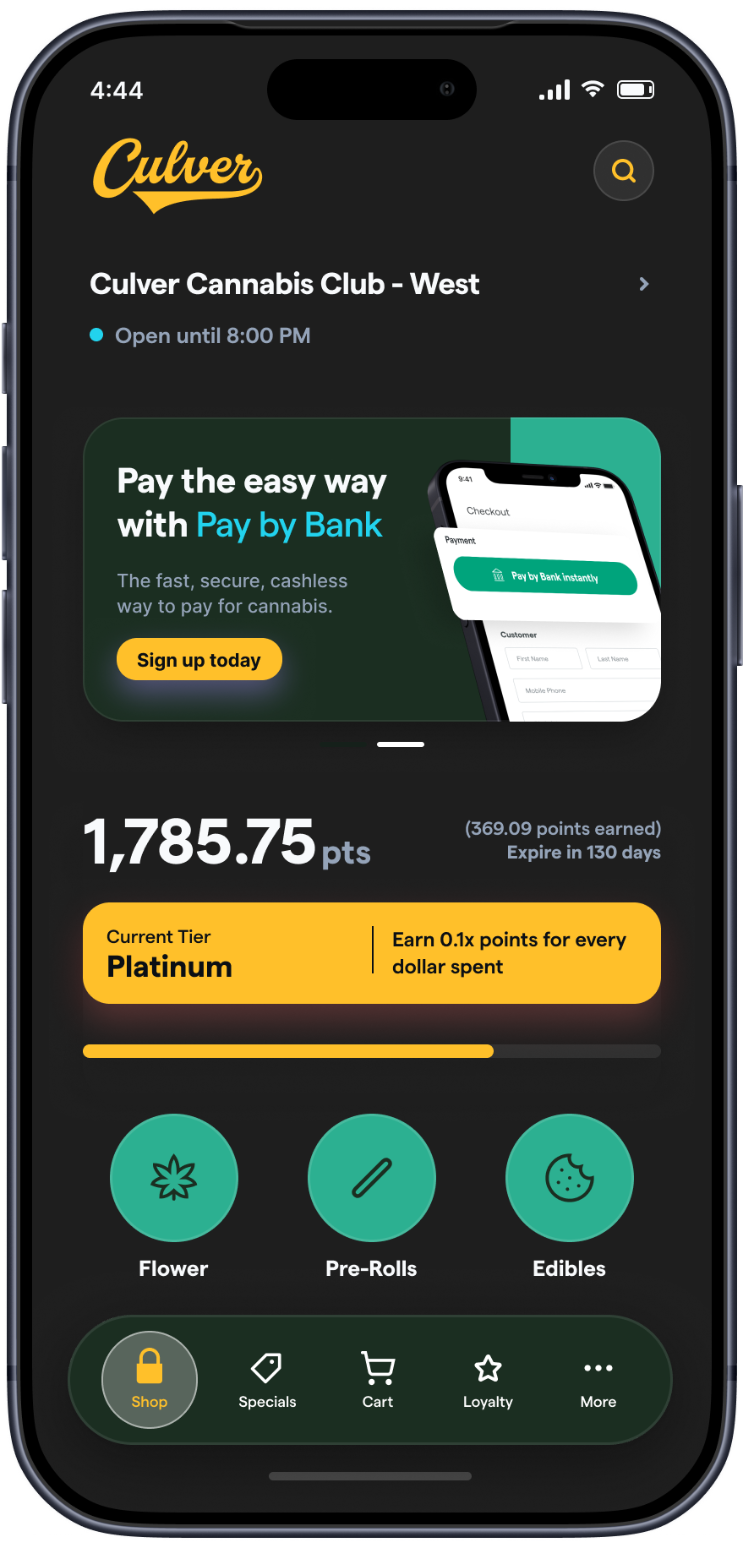
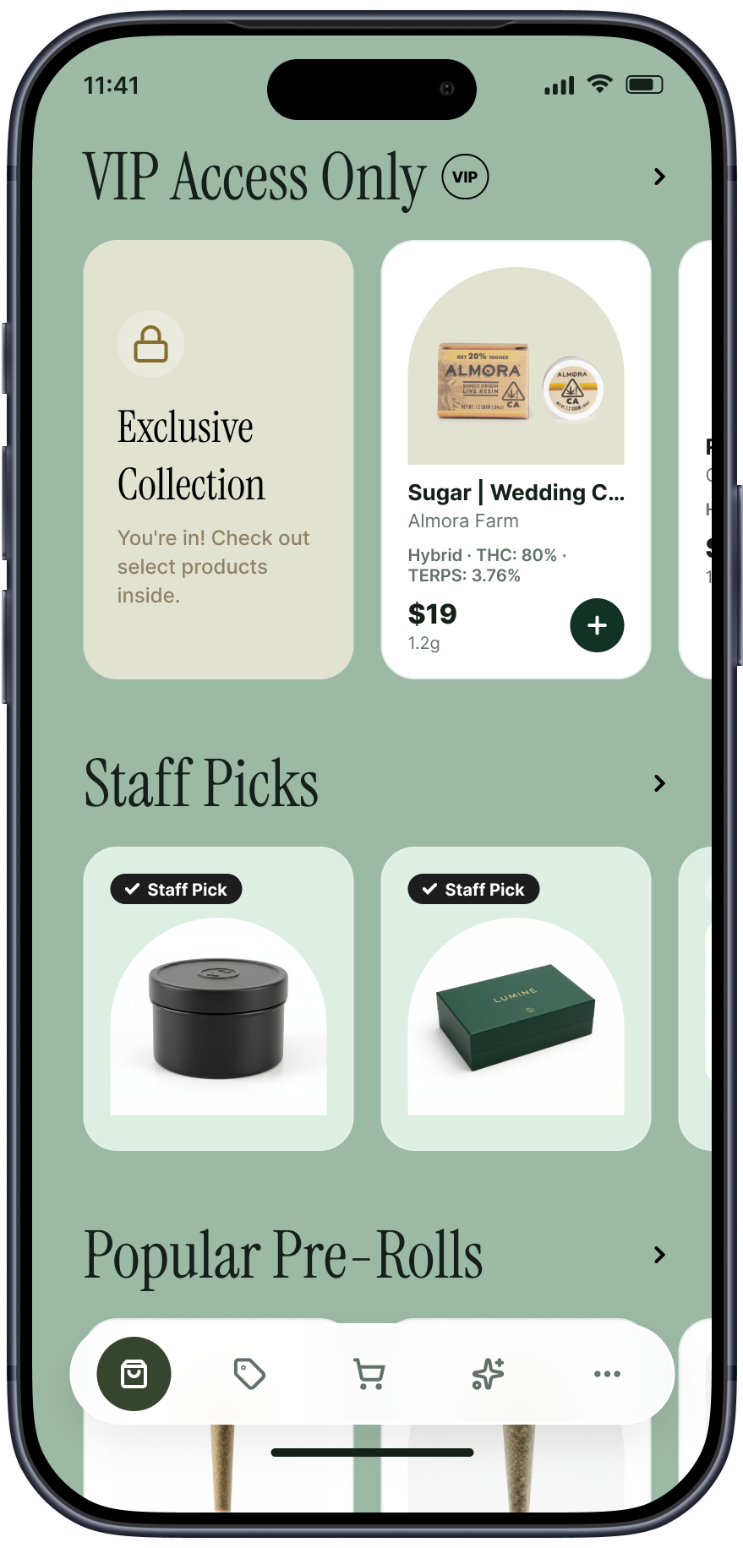
Your store, on every customer's home screen. A fully redesigned native app for iOS and Android, branded as yours down to the colors, logo, and icon.


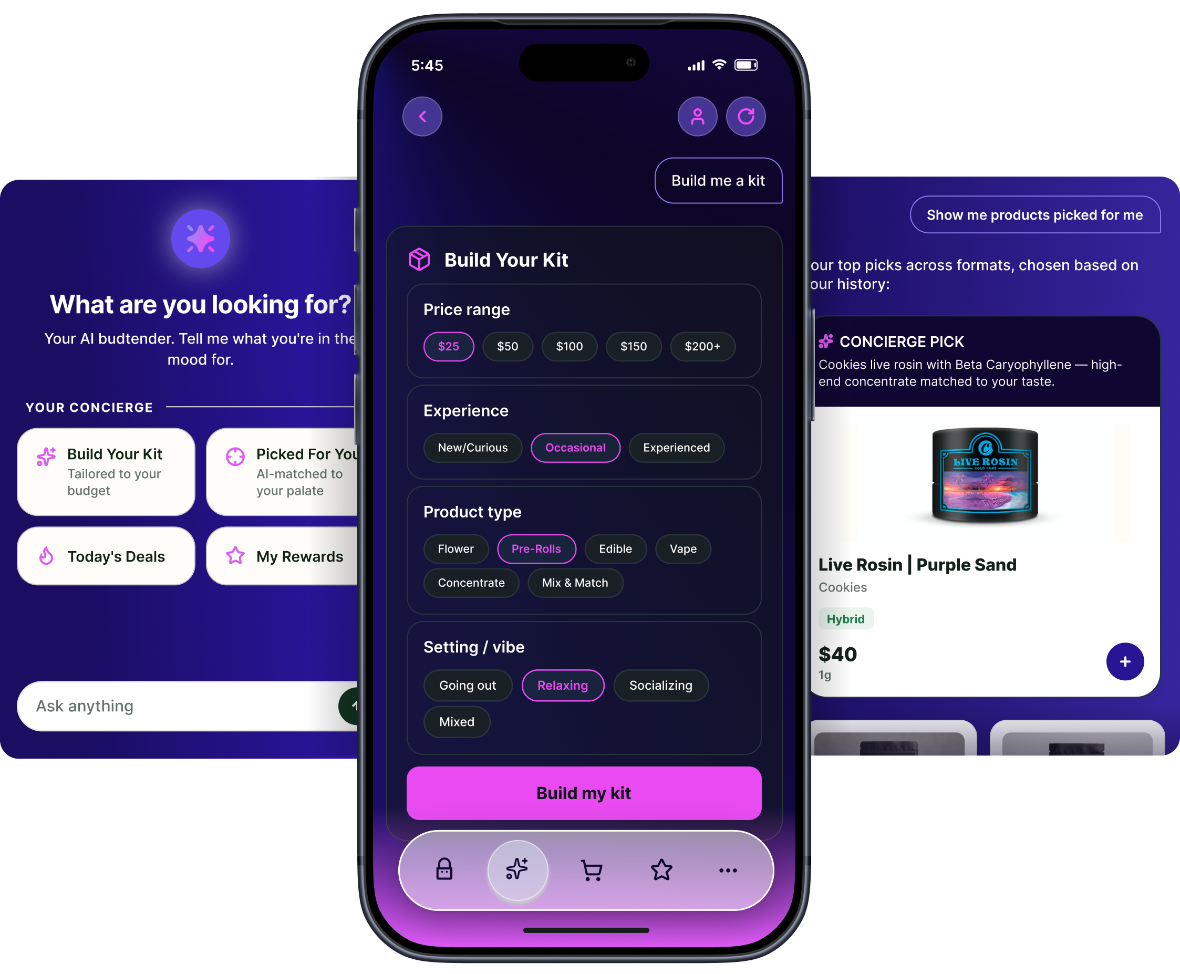
Shoppers describe what they want in plain language and the app does the work, matching products to their palate and budget, building a bundle, surfacing today's deals, and pulling up rewards.
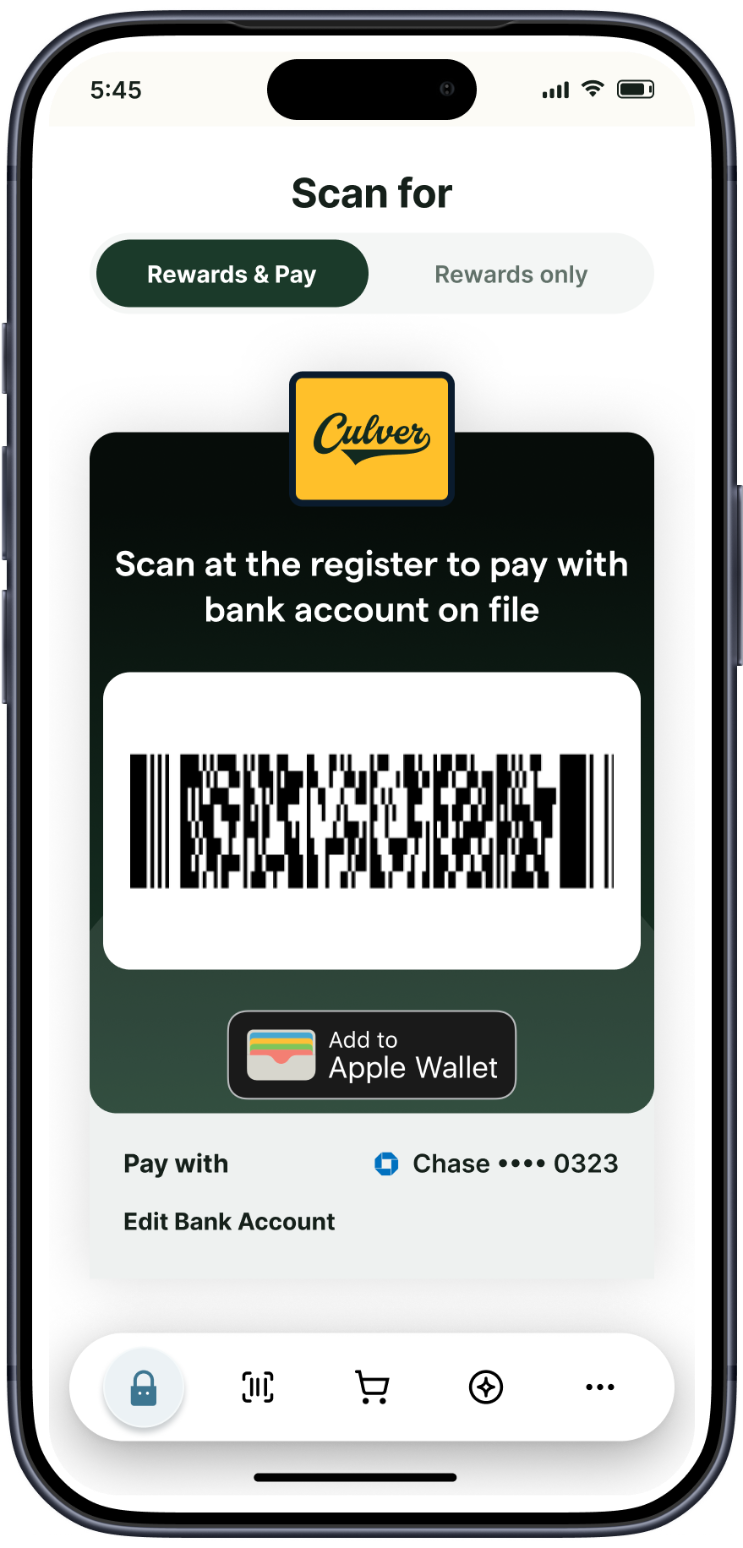
As easy as buying a cup of coffee. One scan pays with Pay by Bank and applies loyalty at the same time, so checkout is a single step that cuts the line.


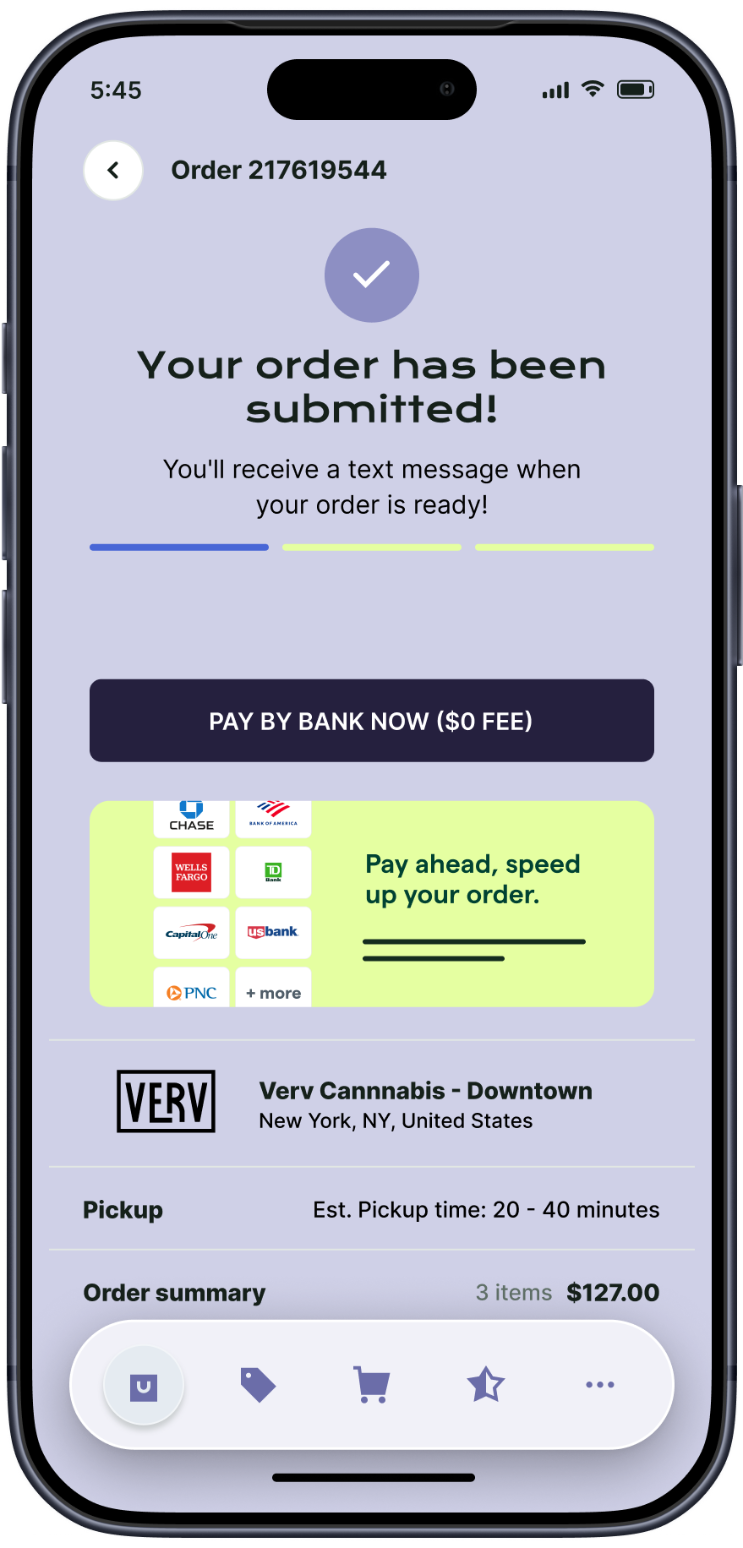
Reach customers with targeted push notifications. Every one lands in a persistent inbox, so nothing disappears the moment it's dismissed, and Live Activity keeps order status live outside the app.
Reward your best customers with exclusive collections and early access they unlock only in the app. Gated VIP drops give shoppers a real reason to download and keep coming back.

Rebuild an entire past order and add it to the cart in one tap.
Small, medium, or large product cards to tune your app's visual density.
Bolder specials with discount badges and "Limited time deal" labels.
A persistent "More" tab, trimmed tab bar, and a cleaner, more immersive layout.
Save hours managing manufacturing formulas. Import Bills of Materials from CSV or Excel and export them back out, eliminating manual BOM creation and making it easy to back up, share, or migrate your data.
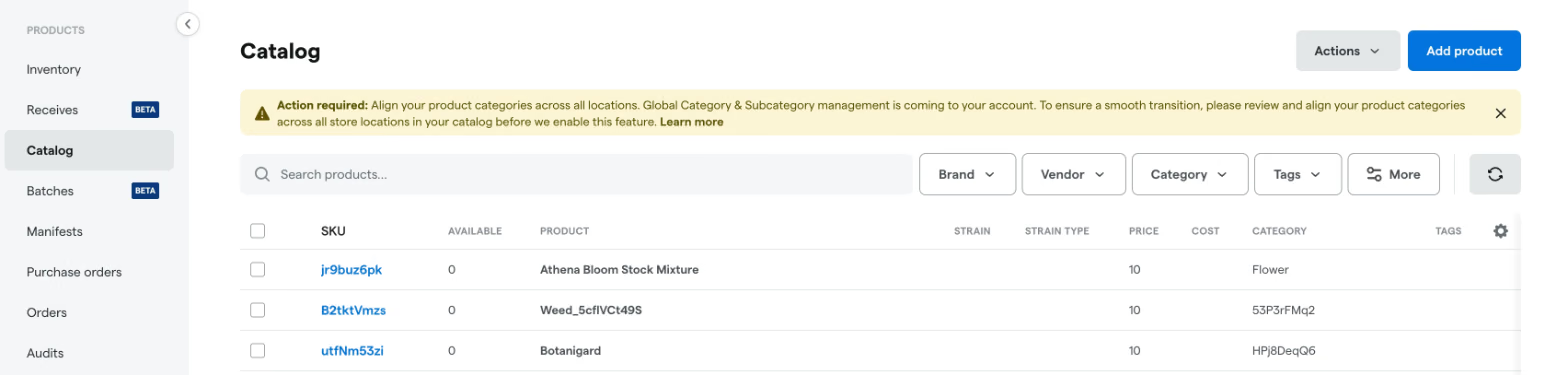
Keep your menus consistent everywhere. Manage product categories and subcategories in one place across all your locations, so your POS and online menus stay in sync. If any existing menu data is mismatched, a Backoffice banner guides you through a quick cleanup before the mapping takes effect, so customers see accurate, unified categories whether they shop in-store or online.

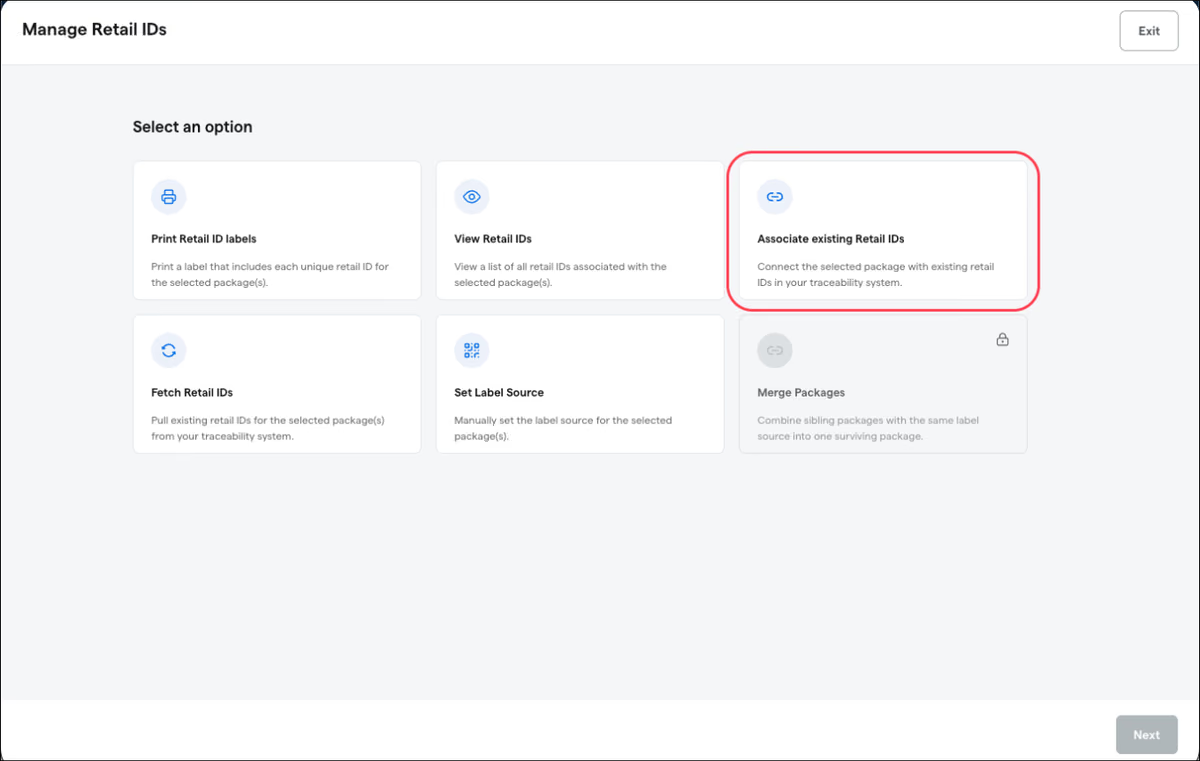
Manage package IDs with less friction. Associate packages to link them, use built-in scan diagnostics to troubleshoot ID-scanning issues, and scan Retail IDs directly during Inventory Audits, speeding up counts and reducing manual entry errors.

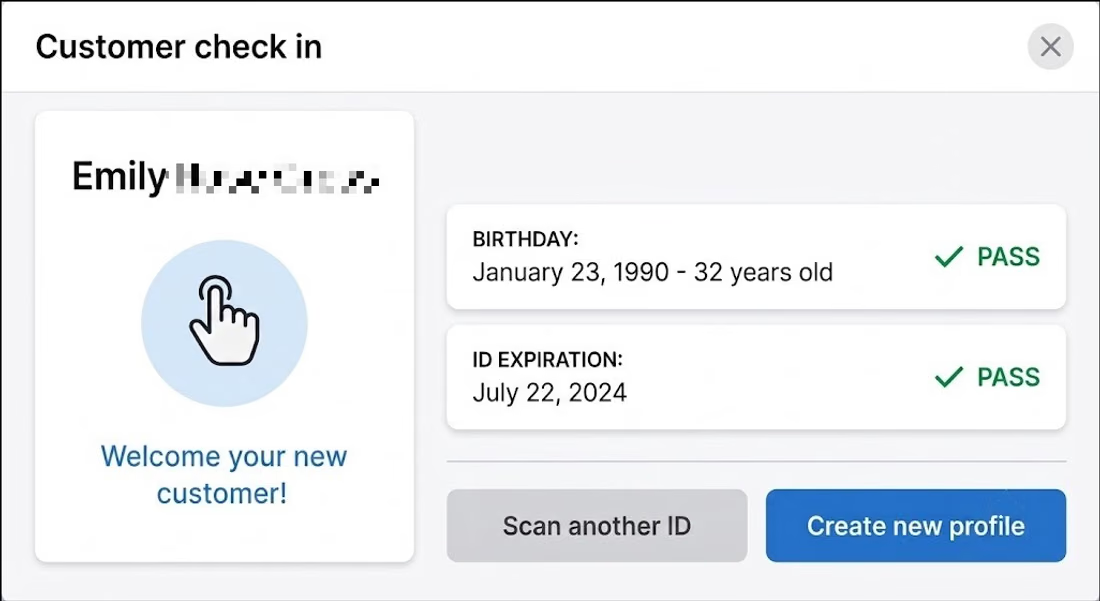
Stop duplicate guest profiles before they start. When you scan a guest's ID at check-in, Dutchie POS checks for existing profiles, recommends the most complete one, and flags any mismatched details, so you can fill in a missing email or phone and check the guest in under a single accurate profile. Works with both Dutchie's native ID scanning and the VeriScan integration.

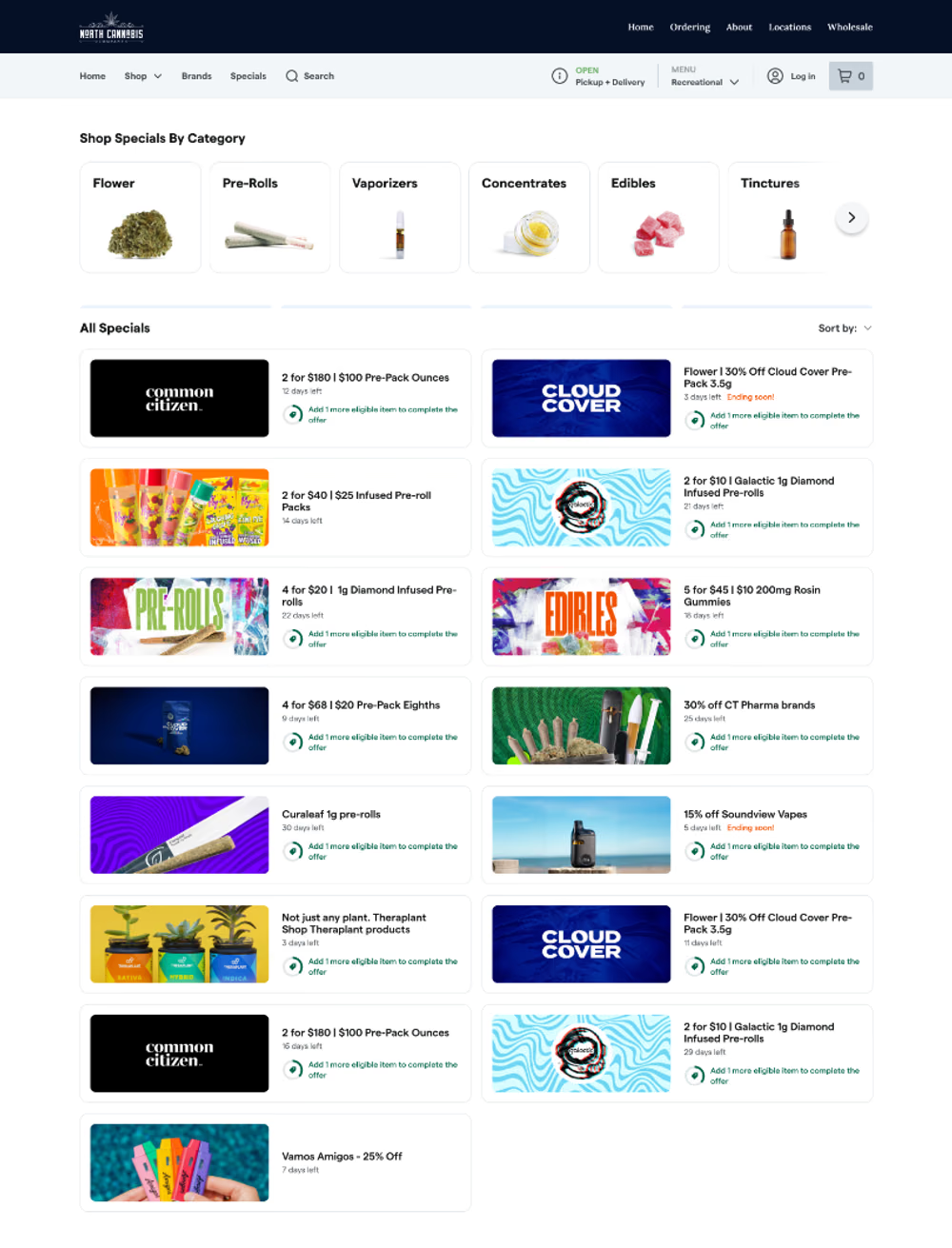
Make your deals easier to browse. The redesigned Specials page brings every active promotion together under shop-by-category tiles with cleaner, larger special cards, so shoppers can scan all your deals in one place.

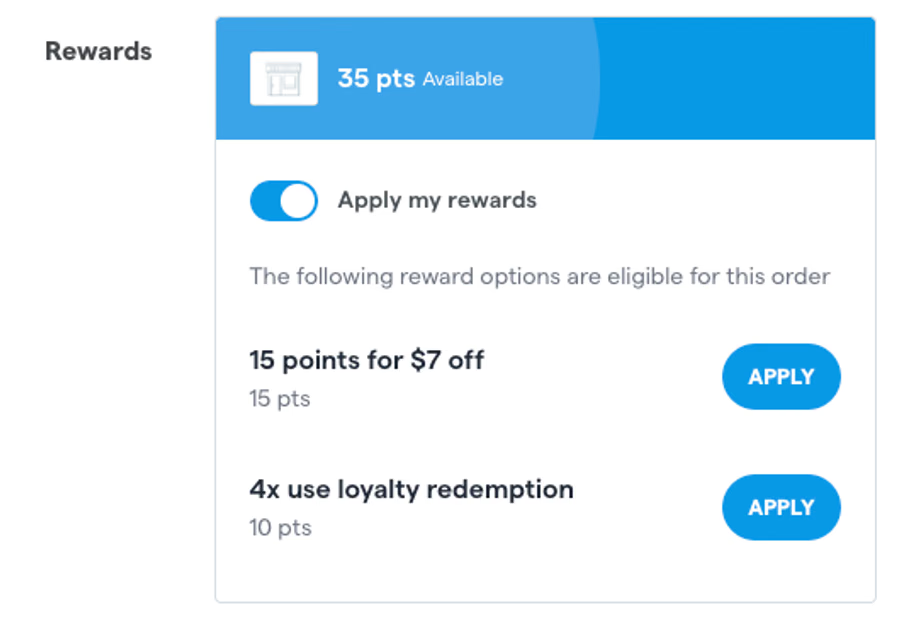
Help customers easily apply their hard-earned rewards. We updated the "Redeem Loyalty" call-to-action in the e-commerce cart, making it more prominent and intuitive. This eliminates checkout friction and reduces the chance shoppers abandon their points, driving higher redemption rates.

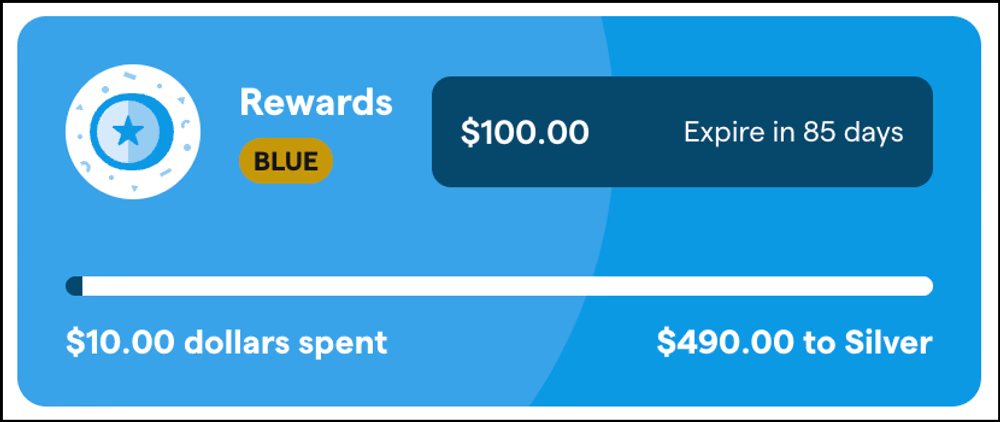
Make every email feel personal. Your email campaigns can now include a loyalty widget that automatically shows each customer their current points balance and tier. Drag the widget into your campaign template, no manual data entry, and every recipient sees their own up-to-date loyalty info, making outreach more relevant and driving rewards engagement.

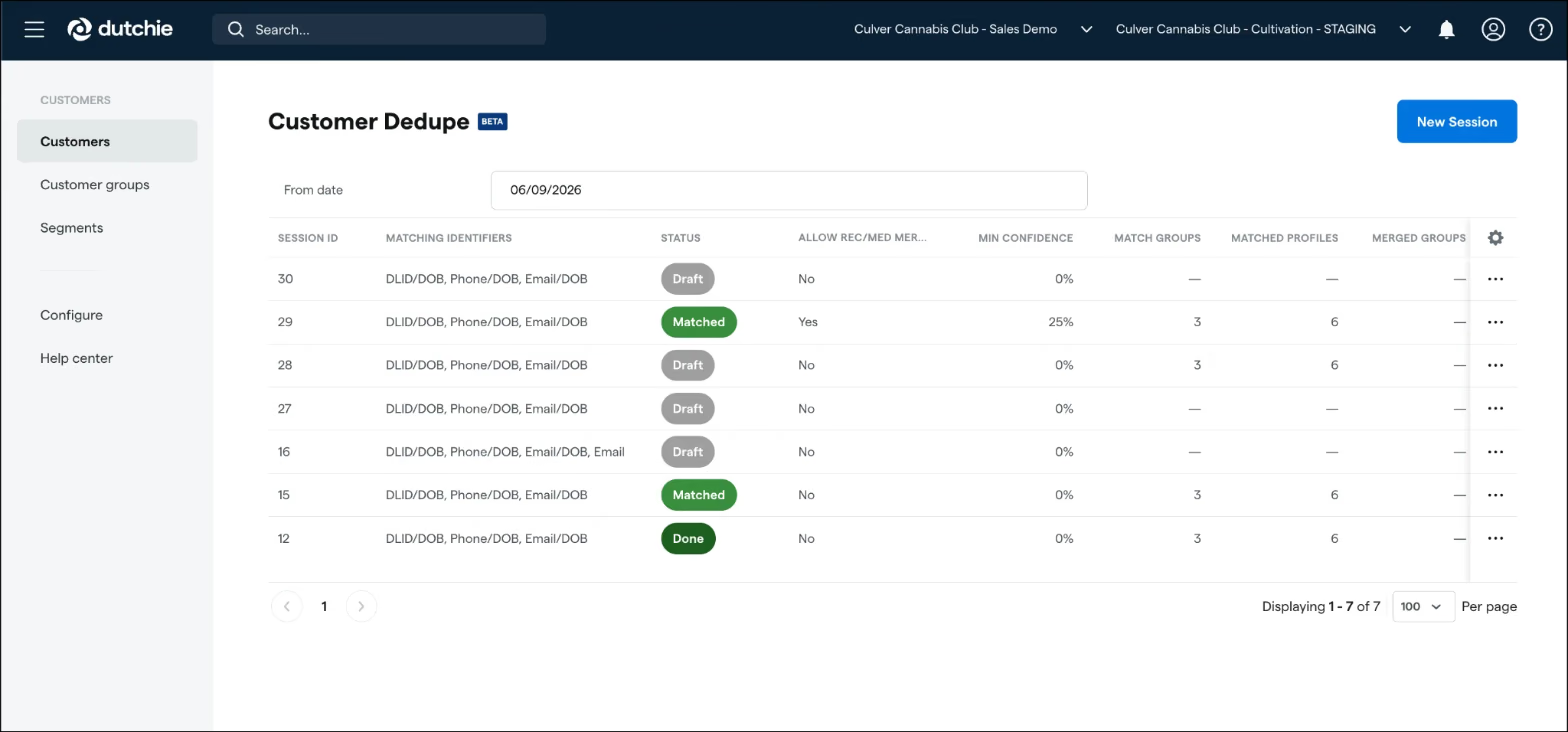
Merge duplicate customer profiles with more confidence. Dutchie now uses an enhanced scoring system to surface higher-quality matches, filters out bad data before anything merges, and clearly labels excluded records as "Skipped," so points, purchase history, and rewards stay under one accurate profile. Copy a session or revert it to draft to refine before you rerun.


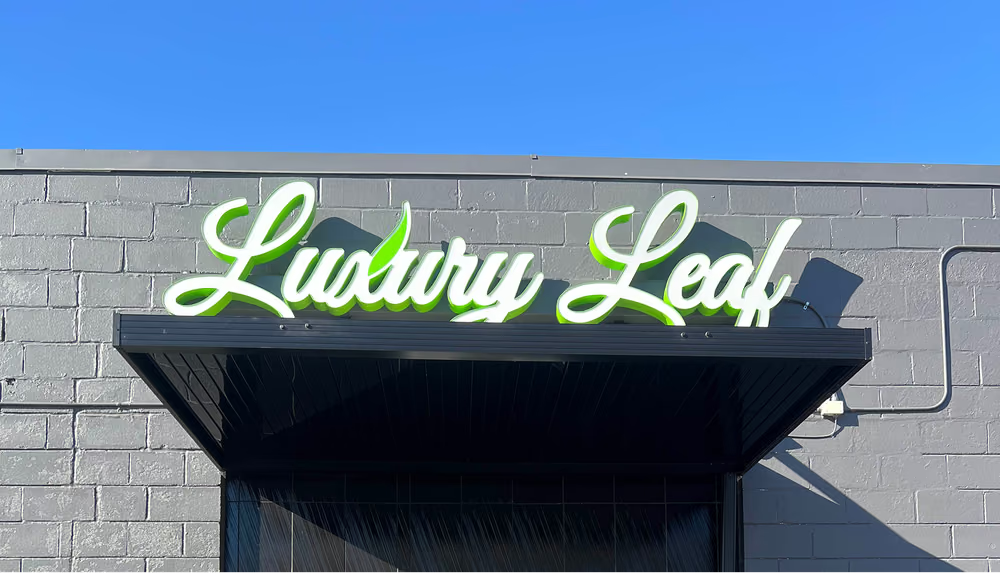
Learn how Luxury Leaf turned first-time shoppers into loyal regulars with Dutchie Loyalty & Marketing Pro, growing repeat visits, impressions, and gross profit.
Book a demo