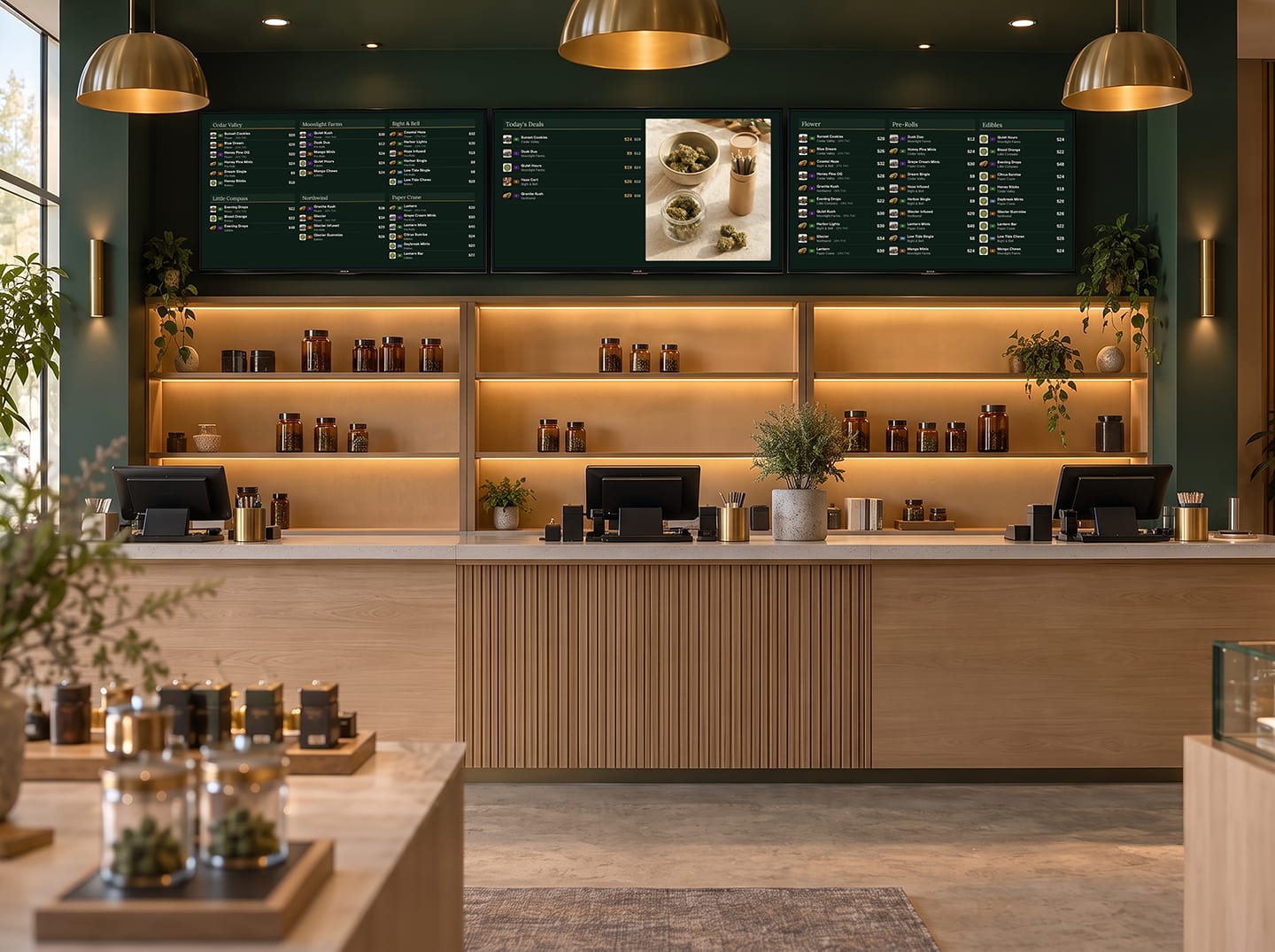



Digital menu boards,
curated for your store.
Dutchie Digital Signage puts your menu on your in-store screens. Choose what each board shows, and each store's screens show that store's own prices and stock, all managed in Dutchie Admin.
Build one board. Every store shows its own shelf.
Boards live in Dutchie Admin. Each screen renders that board against its own store's catalog: its prices and its stock. Ten locations, one board to maintain. And it's the same menu your website, E-Commerce, kiosk, and app already read.
One edit, Friday afternoon.
You drop Sunset Cookies to $24 for the weekend. The Dusk Duo pre-rolls sell out.
Website
Price updates. Dusk Duo disappears.
E-Commerce menu
Price updates. Dusk Duo disappears.
Kiosk
Price updates. Dusk Duo disappears.
Mobile app
Price updates. Dusk Duo disappears.
Every screen in the store
Price updates on the wall. Dusk Duo disappears from the board. Nobody has to touch the screens.
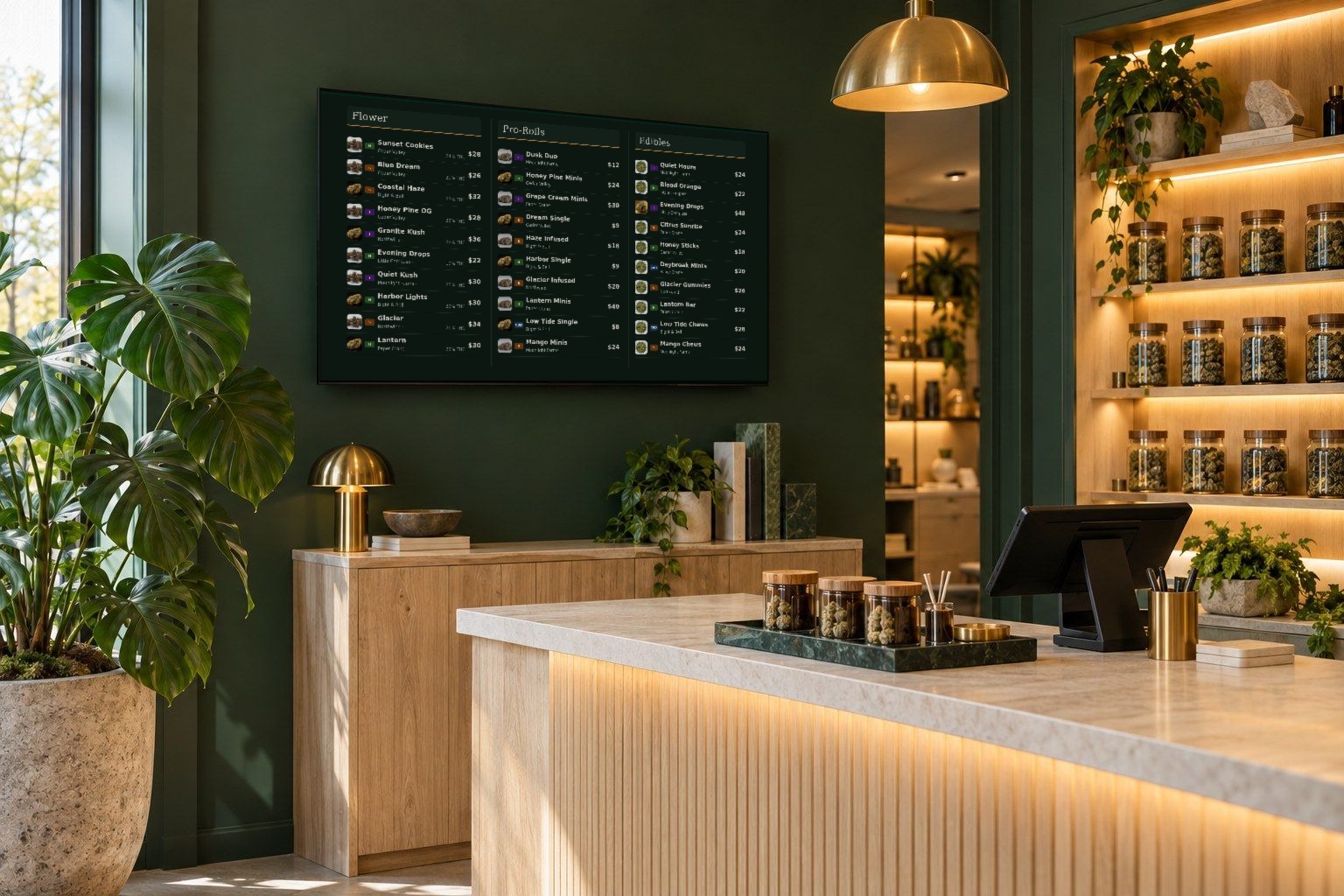
Pricing and inventory sync automatically from the Dutchie menu you already manage, and out-of-stock items disappear from the board.
Illustrative example. Product names, prices and stores are fictional.
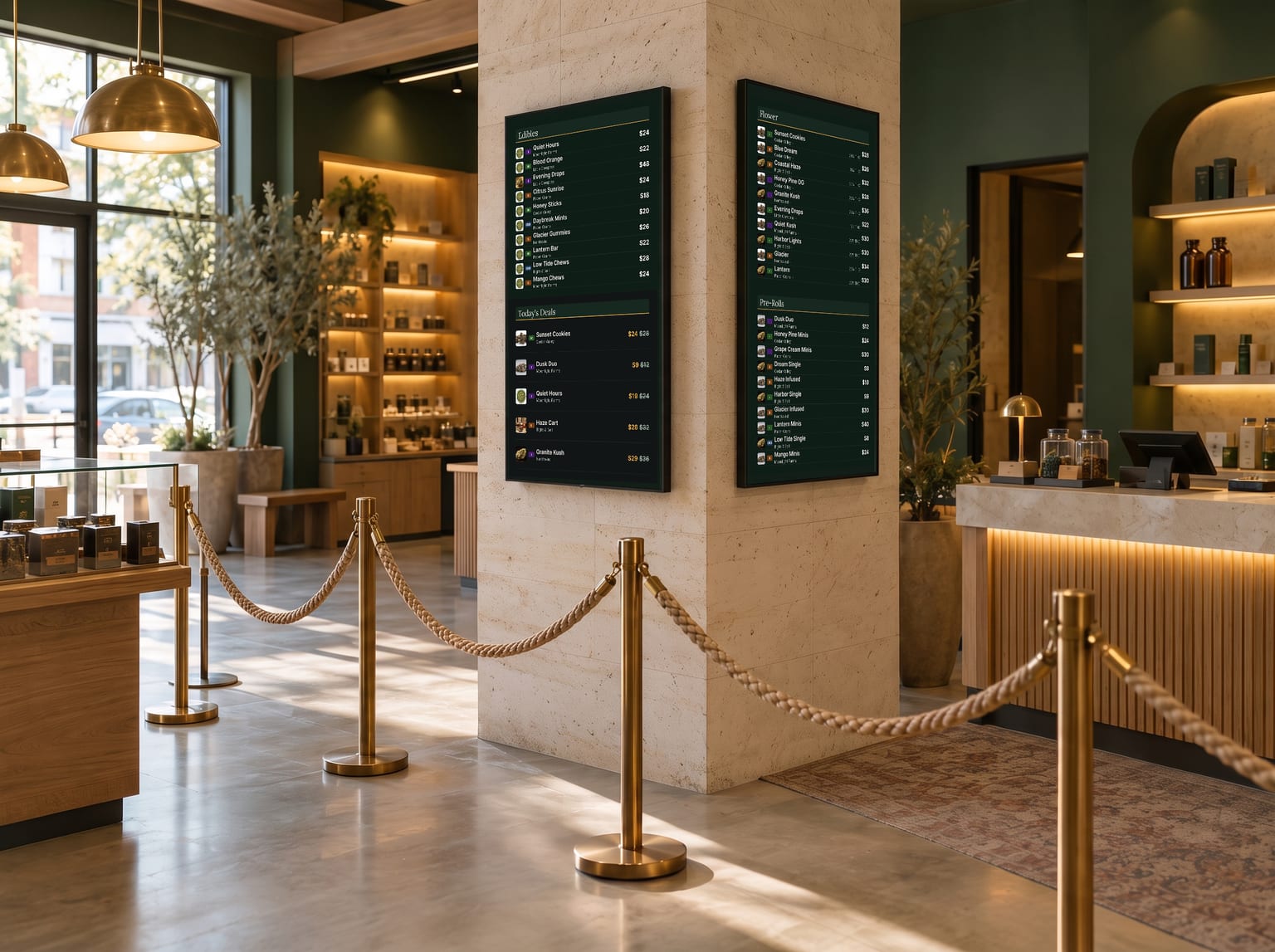
What your customers get in your store.
Browse at their own pace
Shoppers can look over the whole menu while they wait, instead of asking at the counter.
Know the price
Prices and deals are on the screen, so customers see what things cost before they reach the register.
Find something new
Deals boards and brand spotlights put featured products in front of people who came in for something else.
Up on the wall in three steps.
No proprietary hardware to buy and no second system to learn. If you can plug in a streaming stick and type a short code, you can run Menu Boards.
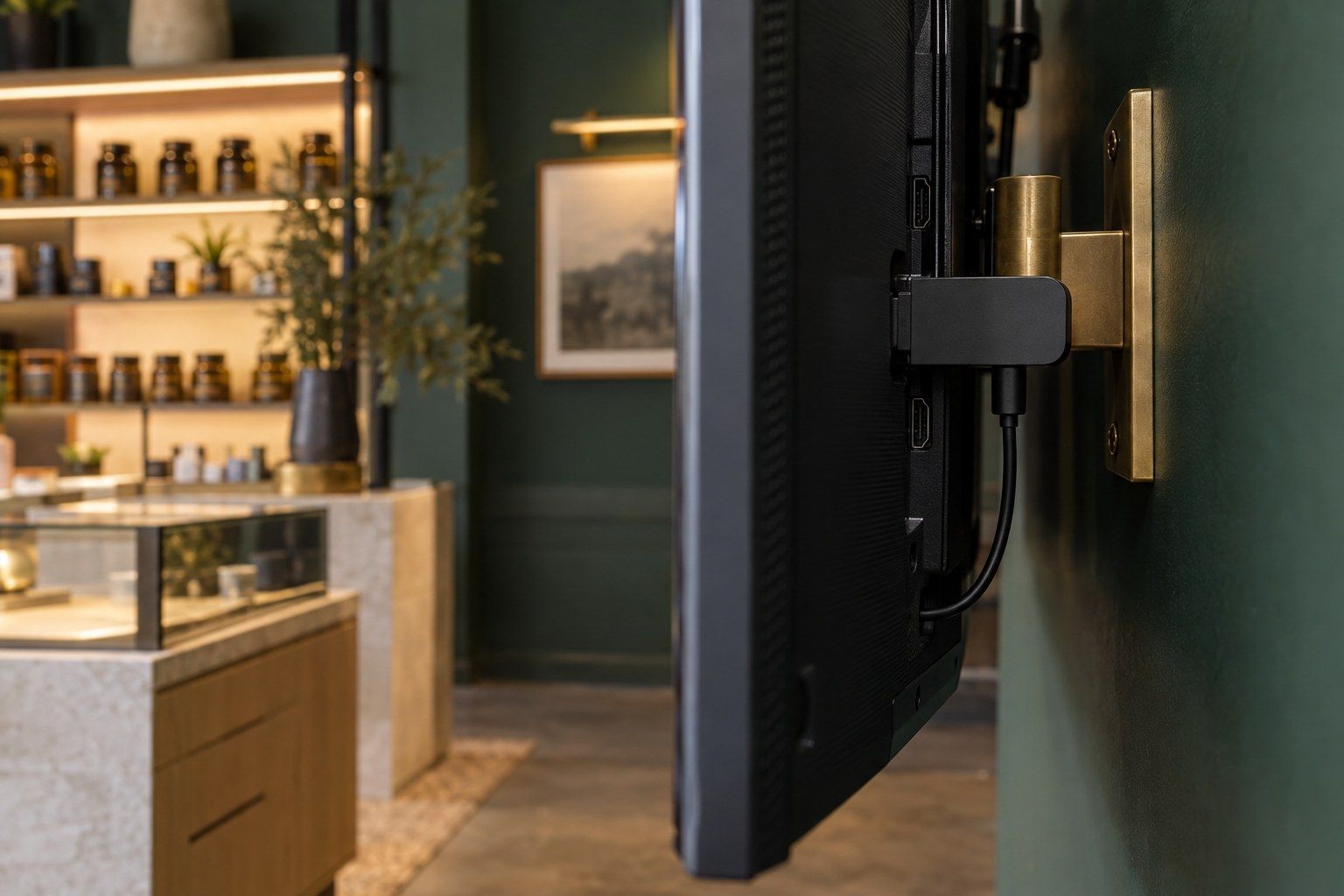
Plug in a streaming stick
Put a Fire TV Stick or an Android TV device in the HDMI port of a TV you already have, then install the Dutchie Display app.
Type the code in Dutchie Admin
The screen shows a short pairing code. Enter it under Settings, Devices, Add a Device, and that screen now belongs to your store.
Pick a layout, then add the playlist
Choose a template, add the board to a playlist, and set it on the screen. Repeat for each store's screens, and each one fills from that store's own menu, prices and stock.
Start from a template. Your menu fills it in.
Eight starting points, from a three-column menu to a portrait board for the queue. Choose one, then decide what each column shows.
Example boards use sample products. Your boards show your own menu.
Start from a template, then make it yours.
Templates and layouts get you to a working board fast. From there, set the colors, fonts, and text sizes, add a background image, and choose which product details show, so the board looks like your store.
Illustrative looks built from the same layout and menu.
Build directly from the menu you manage.
Products, prices, and stock come from the Dutchie menu you already manage, so there is nothing to re-enter. You can also publish a standalone image.
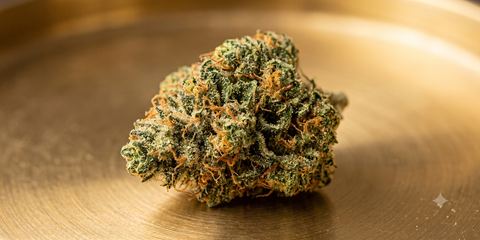 Blue DreamSativa · 3.5g$45
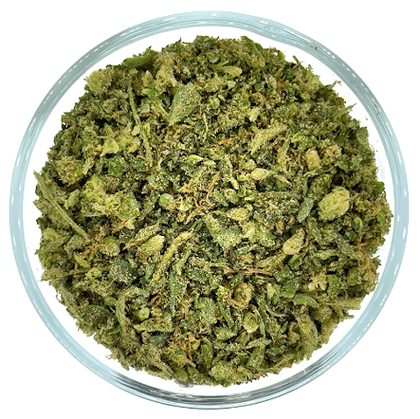 Sour DieselSativa · 3.5g$48
 Gelato #33Hybrid · 3.5g$52
 Northern LightsIndica · 3.5g$46
 Wedding CakeHybrid · 3.5g$50
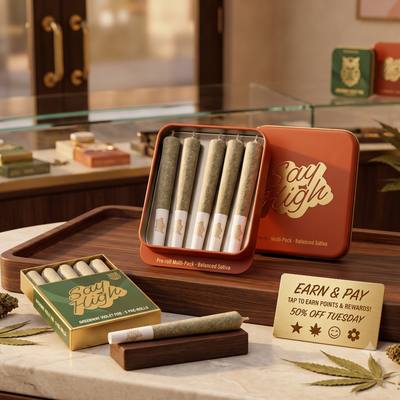 Purple PunchIndica · 3.5g$44
 Pineapple ExpressSativa · 3.5g$47Granddaddy PurpleIndica · 3.5g$49Jack HererSativa · 3.5g$46OG KushHybrid · 3.5g$48Girl Scout CookiesHybrid · 3.5g$51Strawberry CoughSativa · 3.5g$45Gorilla Glue #4Hybrid · 3.5g$53Granddaddy KushIndica · 3.5g$47
Mix boards, images, and video into one rotation.
A playlist combines boards and standalone assets into a single rotation, timed and ordered however you want, then set on each paired display from Dutchie Admin.
Plan the day, then let it run.
An example schedule. Set how long each item plays, mix in images and video, and schedule changes ahead of time.
One library for everything you show your customers.
Every asset you upload anywhere on your menu lands automatically in one library, already organized and tagged.


Questions dispensaries ask about digital signage
What is dispensary digital signage?
Dispensary digital signage is the in-store TV screens that show your menu, pricing, and promotions to customers. A digital menu board is one type of signage, a layout that pulls product, price, and potency data straight from the same menu that runs your store, not a separate copy of it.
What's the difference between a menu board and a dispensary kiosk?
A menu board is a passive display. It shows your menu, pricing, and promotions on a screen customers view but don't interact with. A Dutchie Kiosk is a self-service ordering terminal customers tap through to browse and check out on their own. Both run on the same Dutchie menu and inventory, and many dispensaries run one of each: boards for browsing, a kiosk for checkout.
What hardware do I need for dispensary menu boards?
The TVs you already have, plus a Fire TV Stick or an Android TV device per screen. There is no proprietary hardware to buy. You pair a display with a short code and assign it a playlist.
Can I run menu boards across multiple dispensary locations?
Yes. Build one board, add it to a playlist, then set that playlist on each store's screens in Dutchie Admin. Each screen shows that store's own prices and stock, and edits to the board or playlist reach every store where it is assigned. Each display needs a Fire TV Stick or an Android TV device. There is no proprietary hardware to buy.
Do the boards show THC percentage and other cannabis-specific data?
Yes. Category, strain type, potency, badges, and pricing come from the same product records that run your store, so THC and CBD values on screen come from the same source as your menu and register.
Does pricing and inventory on the board stay up to date?
Yes. Menu Boards automatically sync pricing and inventory data from Dutchie, so you do not have to update a separate signage system when those values change. When an item is out of stock, it disappears from the board.
Can I use vertical screens as well as horizontal?
Yes. Boards are built from layouts, including full width, two column, three column, list, and image, and render horizontally or vertically to match the screen you are running them on. Portrait boards use a single column, and a playlist holds either landscape or portrait boards, not both.
Do I need to be a Dutchie customer to use Menu Boards?
Yes, and specifically it requires Dutchie E-Commerce. Menu Boards run on the menu and inventory Dutchie already manages, which is what removes the need for a second system and a separate signage subscription.
What's the difference between Dutchie Digital Signage and Menu Boards?
Menu Boards are the first thing Dutchie Digital Signage runs: TV screens showing the menu you already manage, plus pricing and promotions. Digital Signage is the broader system behind them, the same asset library and screen management that also runs standalone images and video on the same TVs. If you already think of this as your menu board setup, you're thinking of the right product.
I already pay for a separate menu board or digital signage vendor. Do I still need that if I switch to Dutchie?
No. Dutchie Digital Signage runs your TV menu boards directly off the same menu and inventory you already manage in Dutchie, so there's nothing for a separate vendor to read or redraw. If you're currently paying another company to power your in-store screens, you can run those same screens through Dutchie instead, with no second system to keep in sync.